Sustainability in Film Just Got Easy
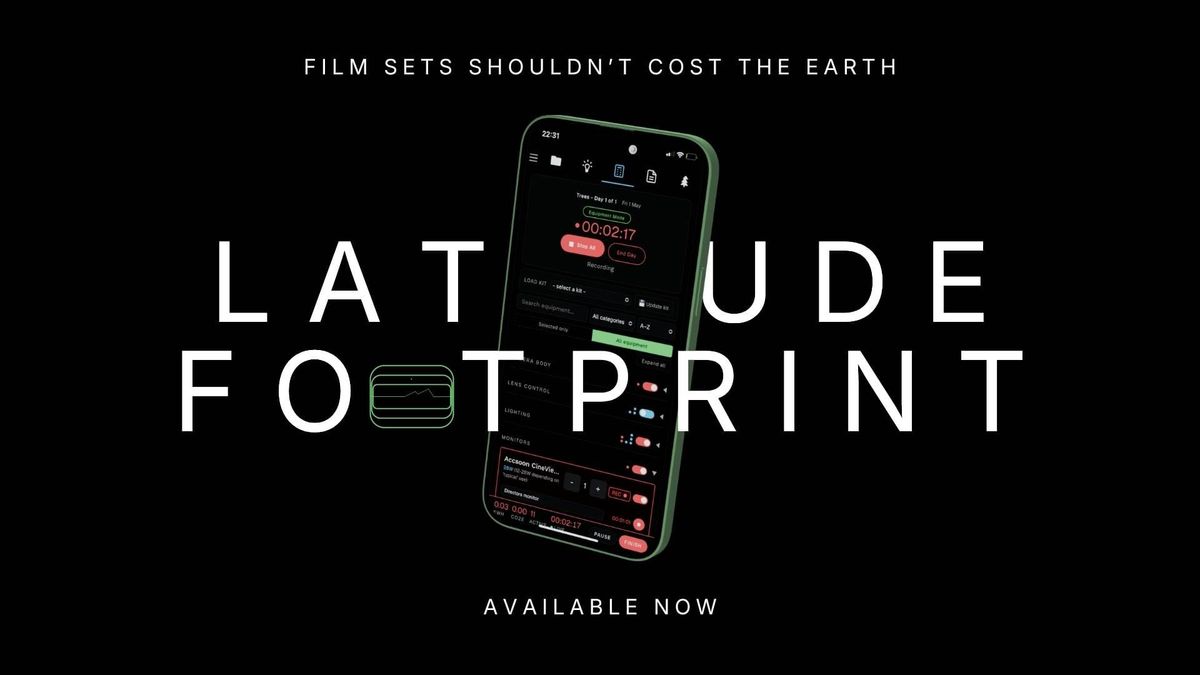
We are meant to be reporting our sustainable impact to BAFTA...but if you have stepped onto any film set for more than an hour, you will realise that actually tracking your carbon footprint is not only down at the bottom of the list of priorities, but it's not even possible. Or it hasn't been, until now.
Film sets are notoriously damaging to the environment, from student sets to Hollywood studios; big power-hungry lights, multiple vehicles traveling long distances, batteries being used left, right, and centre, and that's before we even get to the generators and wasteful nature of food, plastic, and fast-fashion costume.
The problem is we have been asked to provide the data, yet given no tools to capture it. How on Earth are you meant to write an accurate report to BAFTA Albert, when you have little-to-no data from the shoot?
The Tool
Latitude Footprint is an app that allows you track power usage across camera, lighting, sound, production design, production base, and just about every department on a film set. Moreover, it gives you two different ways to do it, depending on the scale and preference of your production, and it also allows you to track mileage, food impact, and log aspects like if your make-up is cruelty-free and how much timber was used in your set build.
The app lets you prep for shoot days by building out the kit lists, but also is flexible enough to add devices and batteries when on set. And despite us filmmakers generally despising AI, there are times we may end up using it in pre and post production, so you can log that as well and it will estimate the impact for you.
When all is done, you can always go back and tweak if you need to before exporting a report that mirrors the BAFTA Albert categories, so it becomes that much easier for you when filling out your BAFTA Albert report. Talking of BAFTA Albert, it also has a useful Green Memo feature that you can use to draft a quick project-ready green memo to your crew before shooting (a requirement of BAFTA Albert).
You can also note any additional positive actions and impact you have taken on both a day and a project level. Donated your leftover food to a shelter? Great, pop it in the notes!
Finally, when you know your impact, you can use the 'OFFSET' page to look through some sustainability projects that you can directly offset your CO2 emissions (CO2E) or you can search for local conservation organisations and log your volunteer time in your dashboard. Over time, you can see your own personal impact as a sustainably-minded individual (or organisation).
It works across desktop, tablet, and mobile devices, works in offline and online mode, and has features that means if you accidentally close the app or your device dies, you won't lose all the data. Plus, it has been designed specifically in a lightweight framework, so it also doesn't rinse your device's battery.
Industry-ready in Two Easy Modes
Unlike so many tools out there that are built by tech bros or clunky organisations stuck in windows 90s, this is built by an actual filmmaker who knows the difference between an ARRI WCU-4, a Zoom F8N, and an Atomos Sumo.
The app is pre-loaded with over 500 devices, ranging from lighting to wireless video transmitters, and even PTZ cameras and hyperdecks for those in TV Entertainment. Those on the pro tier can also add their own items and save them for future use, as the app continues to populate with future items.
The two modes are designed to be flexible depending on what you need, and means it can suit your workflow whether you are a solo-operator or a fully-focused sustainability co-ordinator.
Mode 1: Equipment List (More manageable) - Better for larger sets.
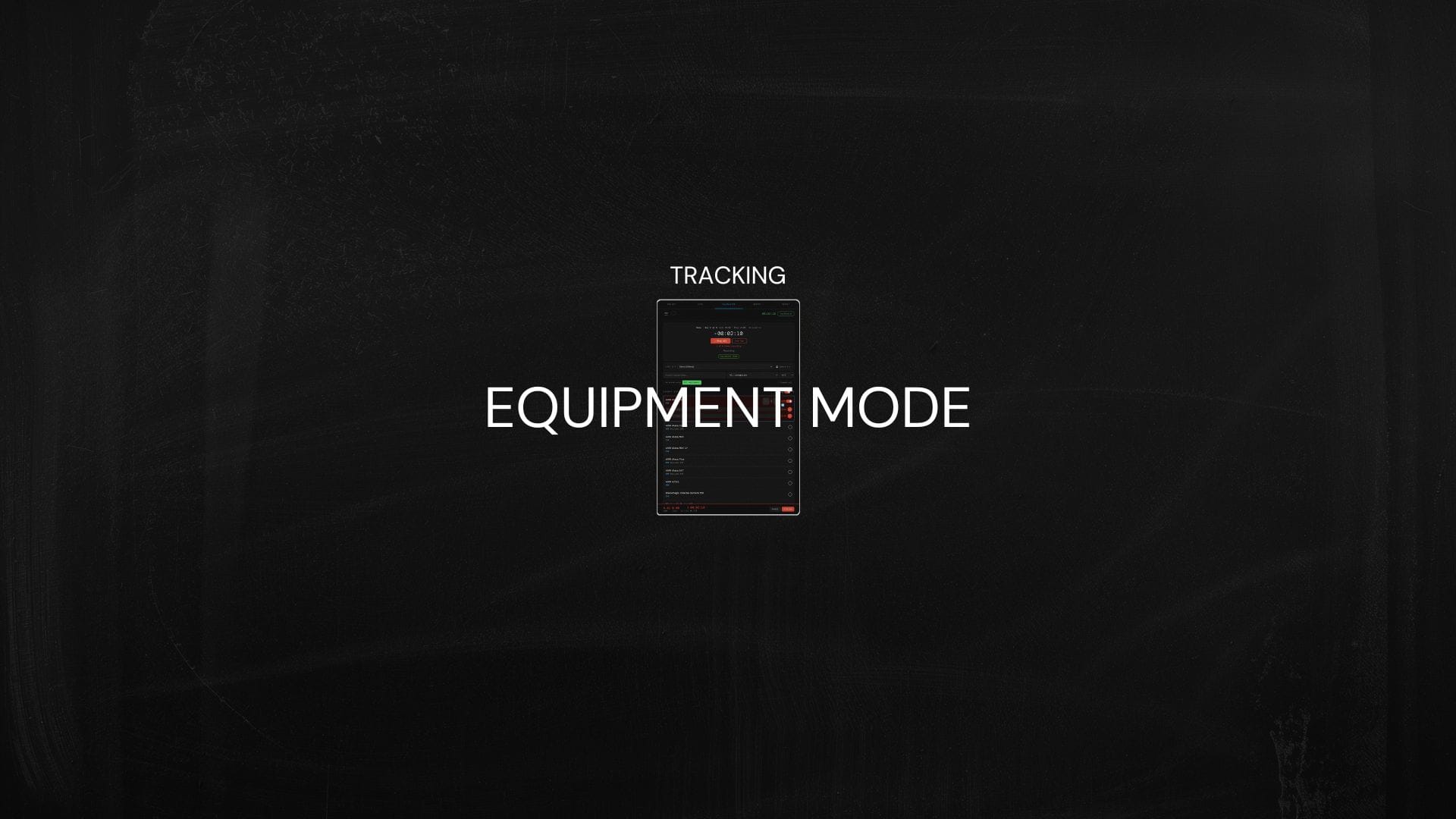
In the equipment list mode, you capture the power usage at the device end by selecting all of the items you are using and then toggle record. You can toggle individual items on and off, or do bulk category toggles, which might be useful if you are cutting all your lights as your main unit go and film an exterior scene using natural light. Done right, all this requires is someone to remember to toggle items off and on to get a very good estimate of your power usage, but done properly, this becomes a powerful tool in accurately reflecting your production's impact.
For large sets where there are many moving pieces, this is the best option.
Mode 2: Battery Log (More accurate)
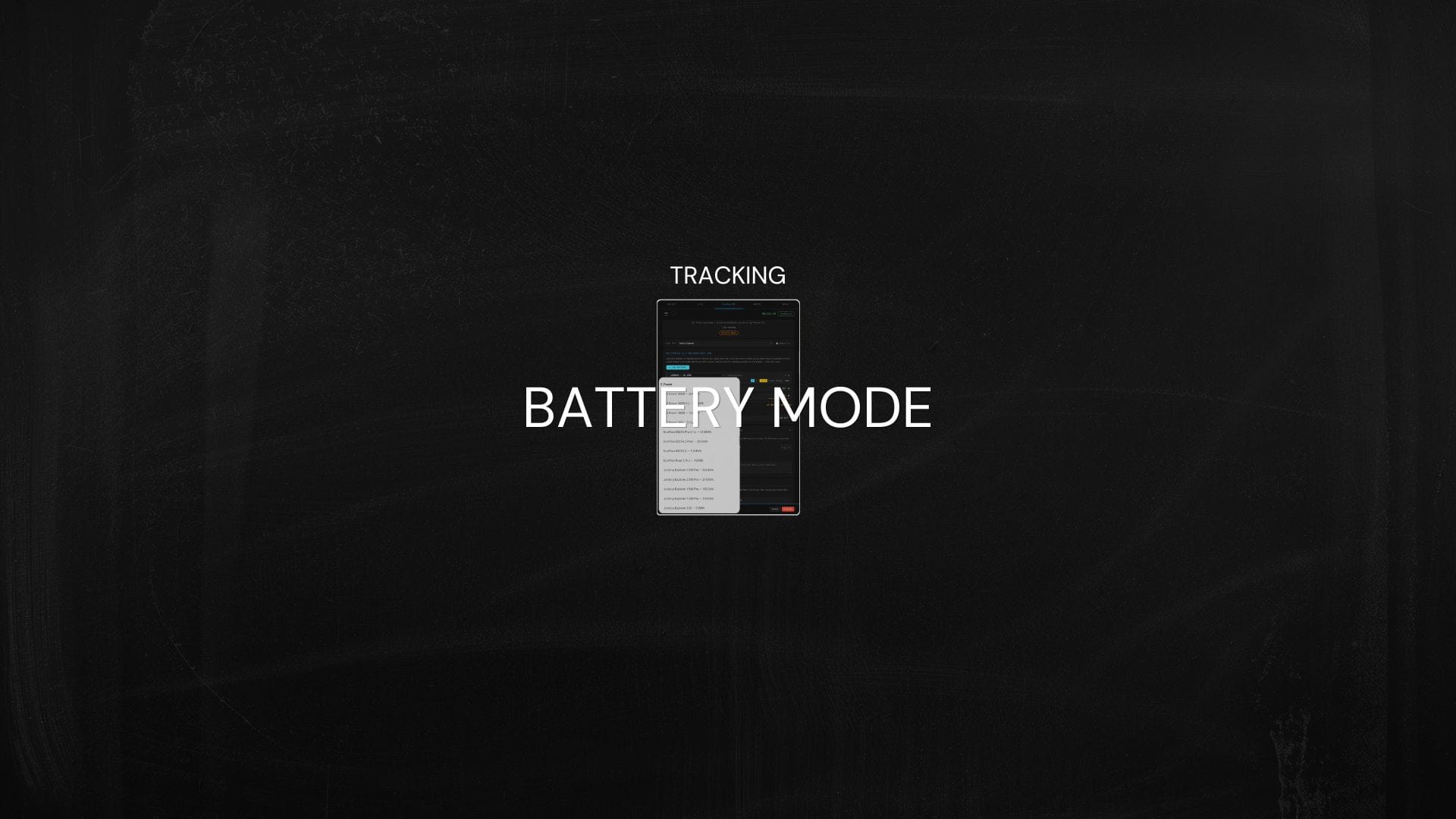
Devices can fluctuate in their power draw (a drone fighting a strong wind takes more power than a drone hovering indoors), so whilst the equipment list tries to give you as much control and oversight as it can, there will always be a little inaccuracy (but about 1000x more accurate than any current methods out there)!
In battery log mode, you simply log each battery being used throughout your production, which becomes a 100% accurate method to know exactly how much power was used throughout the day. The caveat is it takes better team communication and visibility of battery charging.
For smaller teams where you can have a central charging area, this is the best option.
Release & Roadmap
You can download this app today, and it is available in three different price tiers, all of which are cheaper whilst the app is in BETA mode.
Free tier - For the early-career filmmakers
The free tier is enough to learn the tool, explore its' functions, and really it is meant for those making films on the weekends with their friends using what limited equipment they can beg, borrow, and steal. You can create two projects, with a maximum of 2-day shoots. You have entire access to battery log mode, meaning you can select any battery in the list and log it as many times as you need. If you want to try the equipment list mode, then you can, but you will only be able to select 1 camera, 3 lights, two sound devices, and 2 production devices (e.g. laptop/iPad). When you have finished, you can create a report, but it will be watermarked.
Indie Tier - For Solo Filmmakers
The indie tier lets you have unlimited projects, although each project is capped at 6 days. In the equipment list mode, you can access a large percentage of the equipment. The full list of what is accessible can be found here. You can select five cameras for one project, 8 lights, and an uncapped number of accessory items like monitors and wireless transmitters.
The main difference between this tier and the Pro tier, is this one is really designed for those who might be the director, cinematographer, and sustainability co-ordinator all at once, who want to use this app to impress clients and do their bit in helping the environment.
Pro Tier - For Sustainability Co-ordinators
When BAFTA Albert is required, so you're working on features, TV shows, or BFI-funded shorts, or you want to pursue a career and position on set as a sustainability co-ordinator, this is really the one you want. In a nutshell, it's an entire unlock; you can access everything, build as kits as big as you'd like and add your own items if they're not already in the app, and schedule as many shoot days as the project calls for.
Future Plans
In the near future, the roadmap includes expanding the kit list and stress-testing both the app itself and the way certain items are recorded. During its' beta release (and beyond) users are encouraged to email with any of their own data regarding equipment run-time and power consumption. Whilst every single item has been double checked for accuracy and considered on how best to estimate its' power use during unpredictable film days, the frustrating reality is that many equipment companies refuse to list their items' power consumption. Where wattage is not available, wattage can be calculated through the batteries capacity and equipment run-time, but the hopes are that brands will want to help improve the accuracy and share their power consumption data more readily with Latitude Footprint.
Longer term aims include building a team enterprise version, where teams can work from one project with delegated areas. It is early days and how Latitude Footprint grows is open to how best fits the needs of filmmakers!